Feature
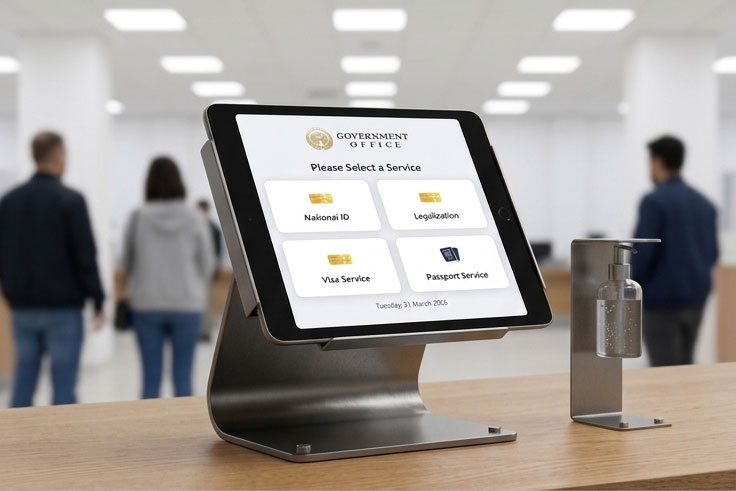
Visitor selects service
The walk-in visitor starts at the kiosk screen, selects the required service, and receives a queue number instantly.
Replace manual lines with a modern kiosk flow. Let visitors check in, route them to the right service, and show live queue updates on a public display screen.
Best for clinics, government counters, embassies, wellness centers, and any high-traffic walk-in operation.
Key capabilities that make walk-in service faster and easier to manage.
The walk-in visitor starts at the kiosk screen, selects the required service, and receives a queue number instantly.
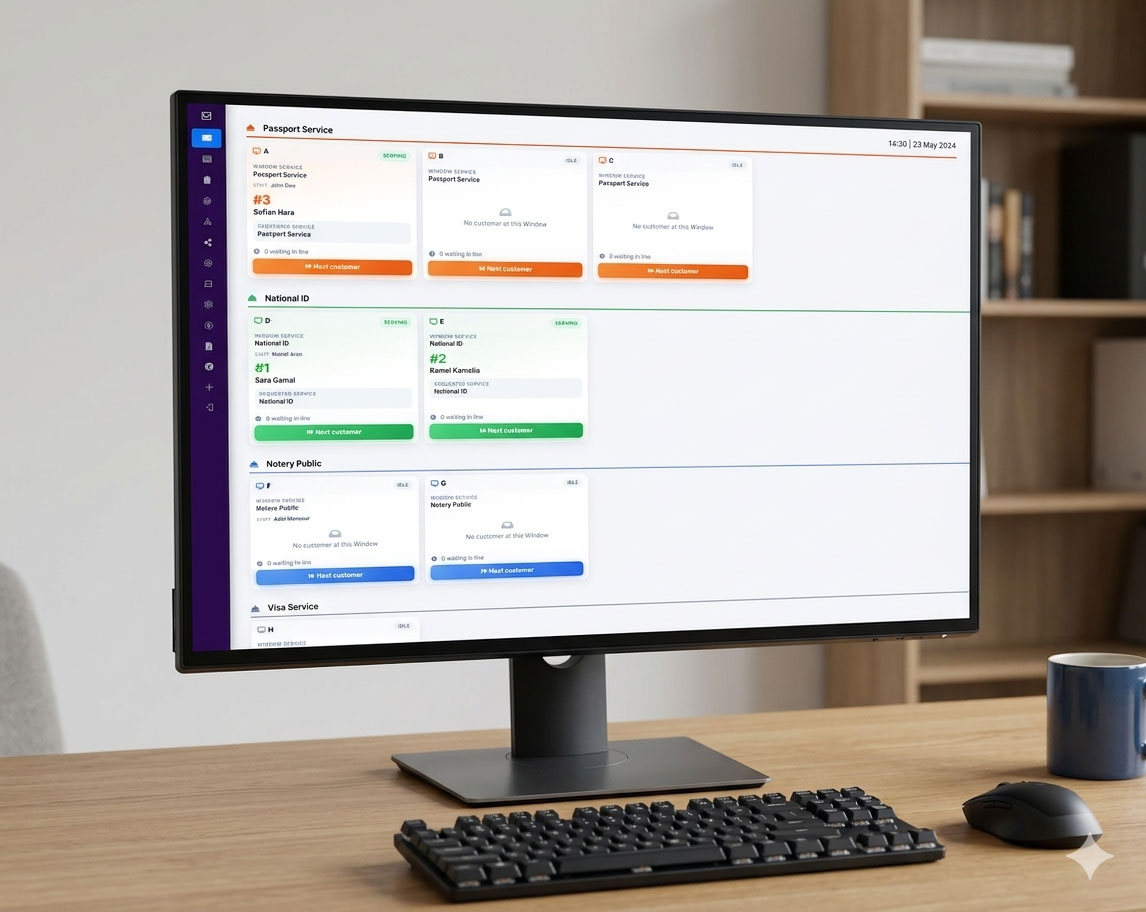
Front-desk staff sees live queue data and calls the next visitor per service or counter with one click.
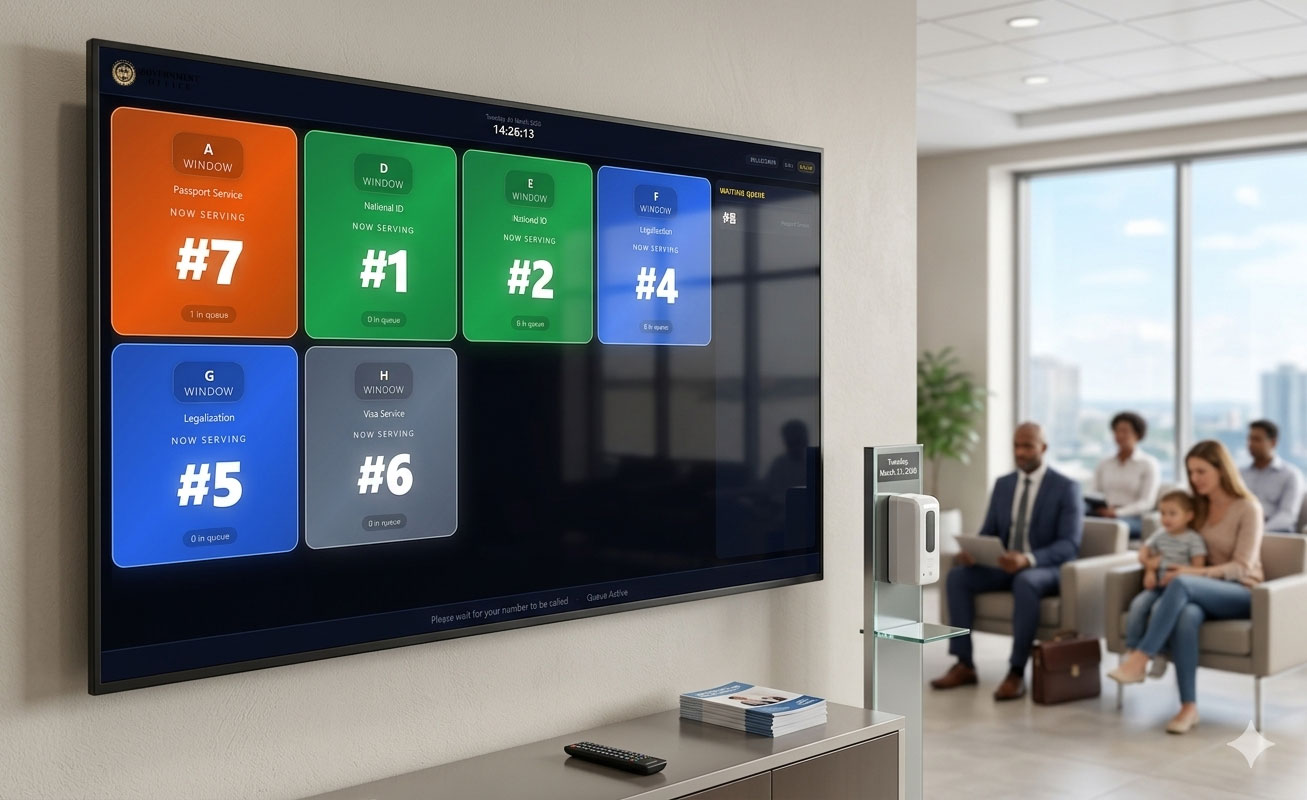
Public screens update in real-time so visitors always know which number is now serving and where to go.
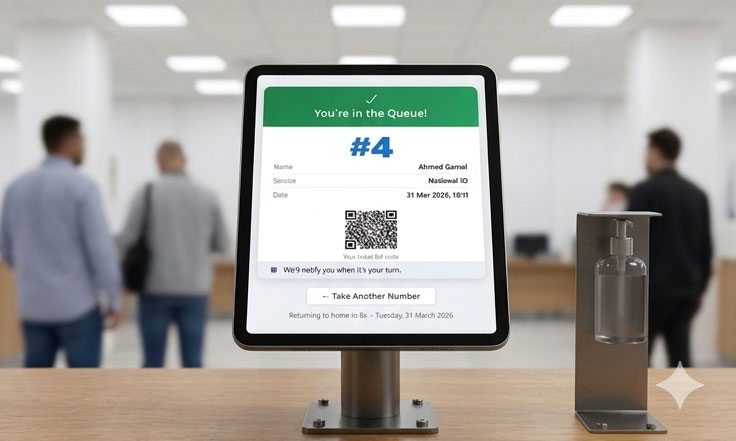
Optional SMS and email alerts reduce missed turns and keep line movement efficient in busy service centers.
Built for high-volume service environments.
Reduce confusion and waiting pressure with clearly managed, real-time queue progression.
Visitors see exactly which number is being served and where to go next.
Use custom display terms like Window, Desk, Station, or Counter based on your process.
Run kiosk and display screens using your existing tablets, desktops, and TVs.
Simple pricing for organizations that manage walk-in queues.
Save more with annual billing
Launch your Booking Kiosk add-on and deliver a smoother queue experience from day one.
Start Free Trial Talk to Sales